
Active Toggle
Enable or disable the WCF Agent for a specific instance directly through the Web Interface or via the API.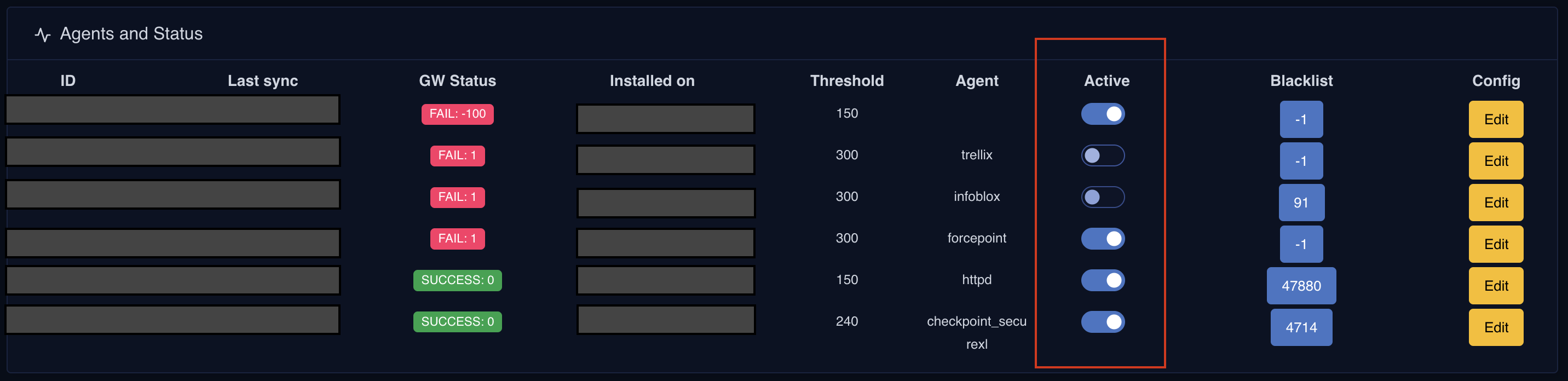
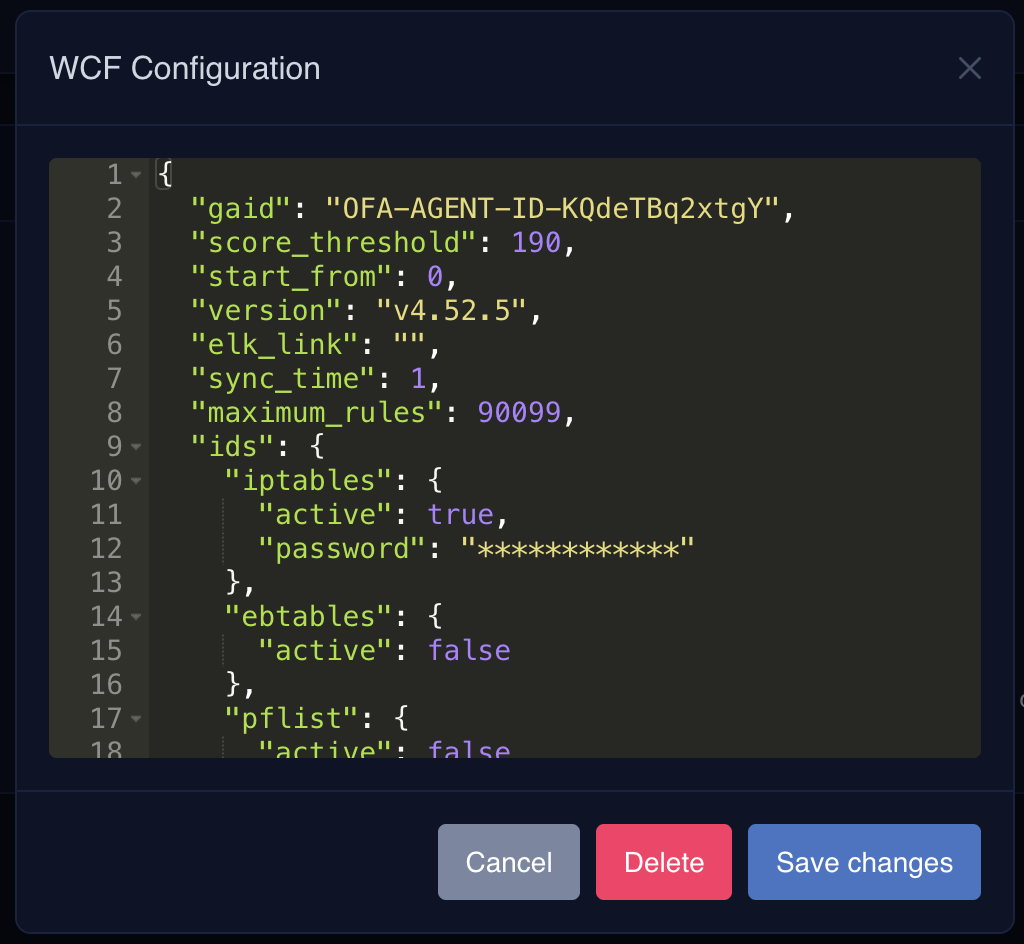
Config.json Management
WCF Agent configurations can now be viewed, updated, and deleted server-side through a JSON editor in the Agent Status Console, including sync time, score thresholds, and rule sets. Changes apply automatically during the agent’s next execution cycle. The agent-sideconfig.json file now retains only essential data — configuration details related to how the WCF Agent interacts with firewalls, IDS, or IPS in the perimeter have been removed.
Sensitive information, such as passwords and cryptographic keys, is no longer stored in the local file system. These secrets are now encrypted and accessible only during the WCF Agent’s runtime.
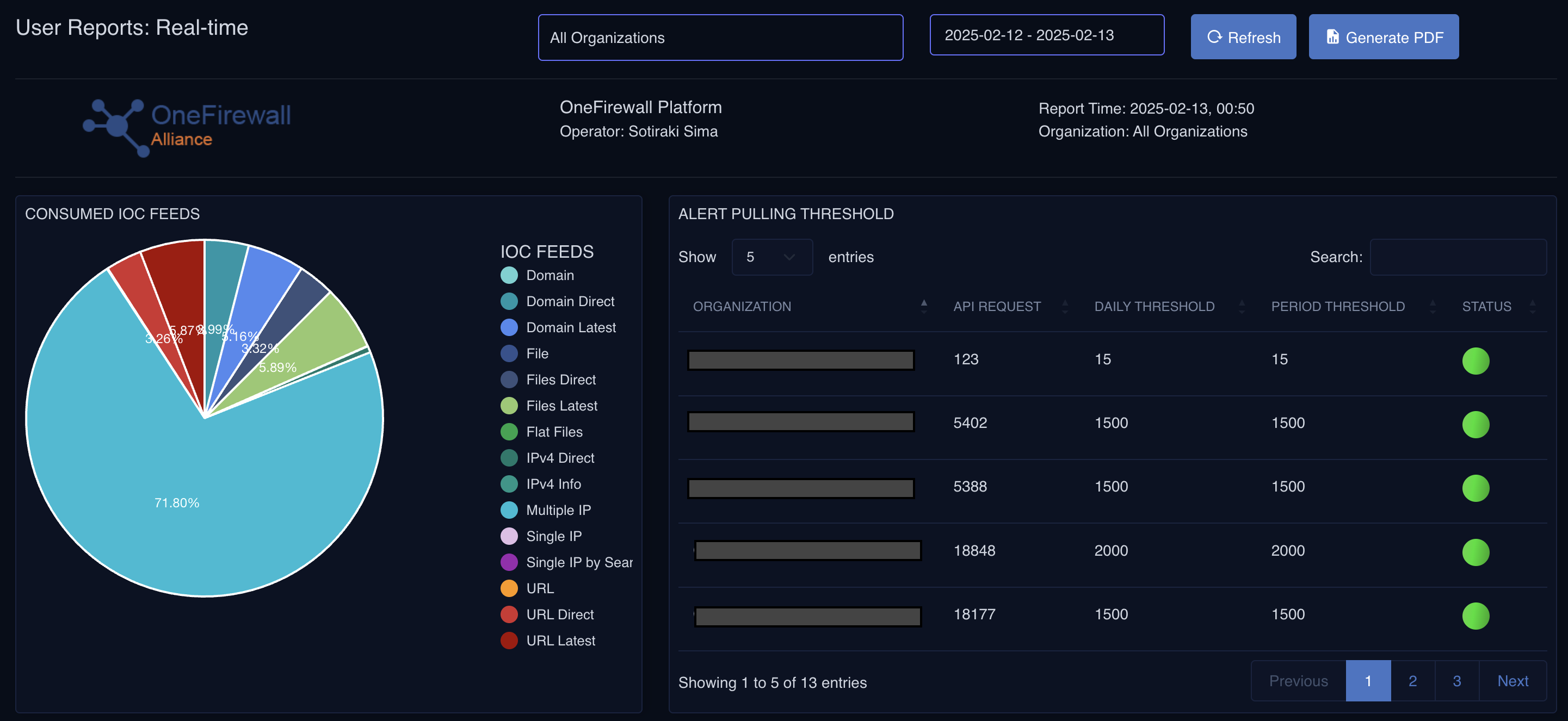
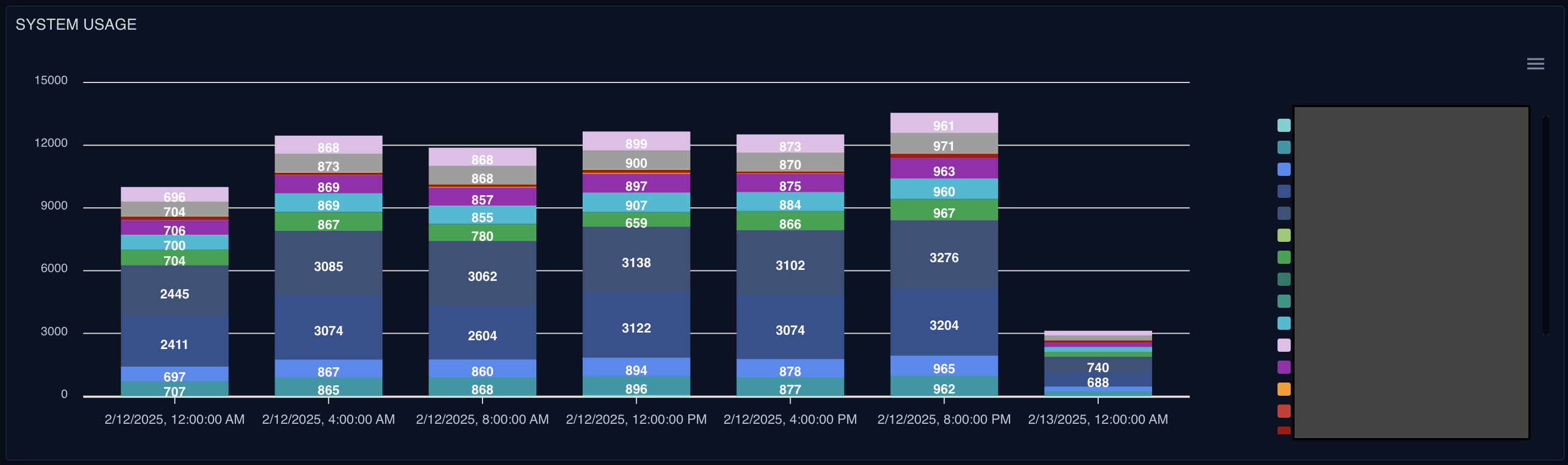
Real-Time Usage Report
A monitoring dashboard provides real-time insight into platform usage, including API access tracking and system activity. It includes a threshold alert system that notifies you if a WCF Agent fails to communicate with the server, plus visibility into data injection and contribution metrics for both on-premises and SaaS instances.